
Automatic Backup
Your photos and videos are backed up automatically.
Photo backup made simple
Automatically back up your photos and videos, keep them safe in the cloud, and access your memories whenever you need them.
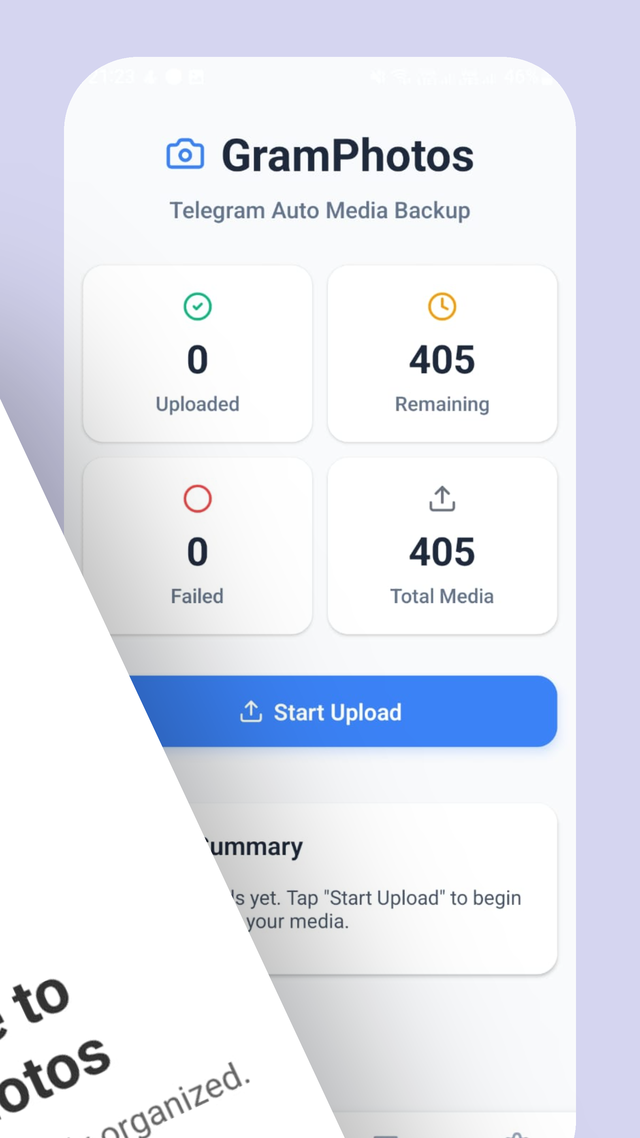
GramPhoto works quietly in the background, automatically protecting your photos and videos so you can focus on what matters.
Get started in seconds with a simple setup.
Your photos and videos are safely backed up in the background.
View your memories whenever you need them.
Your photos and videos are backed up automatically.
Your memories belong to you. Keep them protected and private.
View your photos whenever and wherever you need them.
Keep your memories easy to find and manage.
The essentials you actually need, without unnecessary complexity. Read the honest comparison.
Google Photos is the sensible pick if you want search and editing. GramPhoto is for people who just want their photos safe.
| Feature | GramPhoto | Google Photos |
|---|---|---|
| Automatic backup | ✓ | ✓ |
| Background sync | ✓ | ✓ |
| No storage-size tiers | ✓ | ✗ |
| Telegram album sharing | ✓ | ✗ |
| Multi-device access | ✓ | ✓ |
| Lightweight, single-purpose app | ✓ | ✗ |


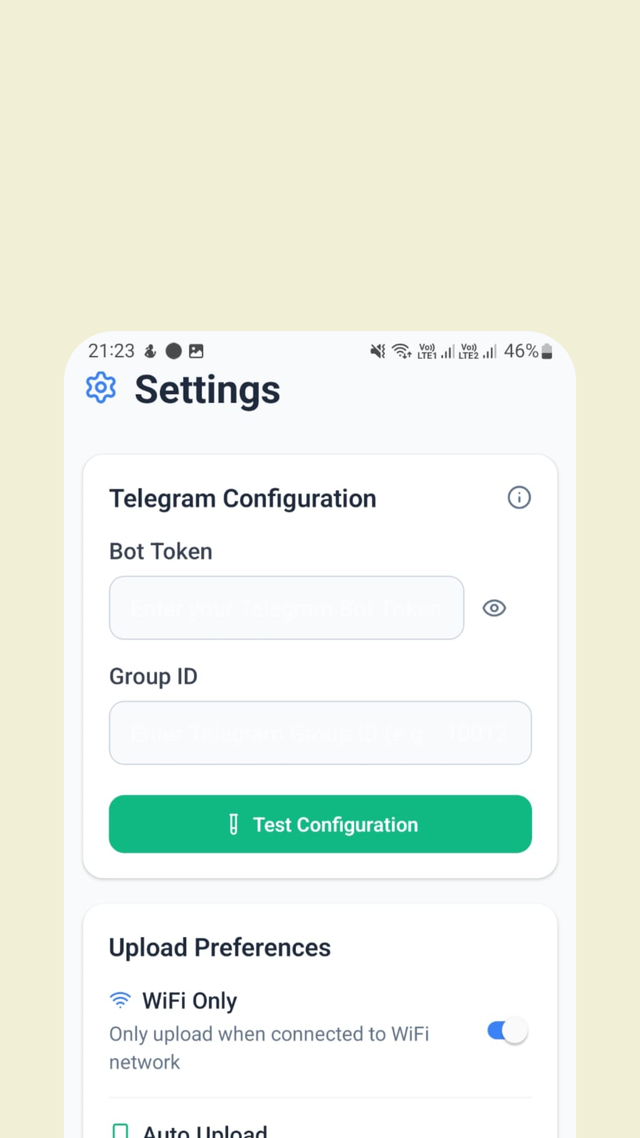
Your memories are automatically protected.
GramPhoto connects your account in the app, so sharing is ready whenever you need it.
Choose any album that's already synced — no emails, downloads, or resending files one at a time.
Push the whole album to Telegram whenever you need to share it. Get the app to try it

Simple plans for every memory keeper.
Free plan shows ads while using the app.
Premium availability, pricing, and exact features are being finalized. We'll confirm these before launch.
Your photos are encrypted in transit during upload, and your library is private to your account. No method of transmission is 100% secure — see our privacy policy for the full picture.
Once you grant permission and choose your backup preferences, GramPhoto backs up new photos and videos from your camera roll in the background — without you thinking about it.
Yes. Sign in on a new Android device and your synced library is there waiting for you — no cables, no manual transfers.
Nothing is lost. Install GramPhoto on the new phone, sign in, and your synced library appears. Your memories survive the switch.
GramPhoto doesn't sell tiers by storage size and doesn't cap the photos and videos you can back up. If the service hosting your library ever enforces a limit, we'll say so plainly.
Premium hasn't launched yet, so there's nothing to cancel. We'll publish clear cancellation terms before any paid plan goes live.
More answers on the full FAQ page.
Your best memories deserve a safe home.
Start Free Backup